Desktop app
See every device on your network
Macadress Scanner finds every device on your LAN and identifies its vendor, device type, and virtualization status. Free, running entirely on your own machine.
Download for macOSWhat's new in v1.1.0: Added community-reported device signals and refreshed device-type icons.
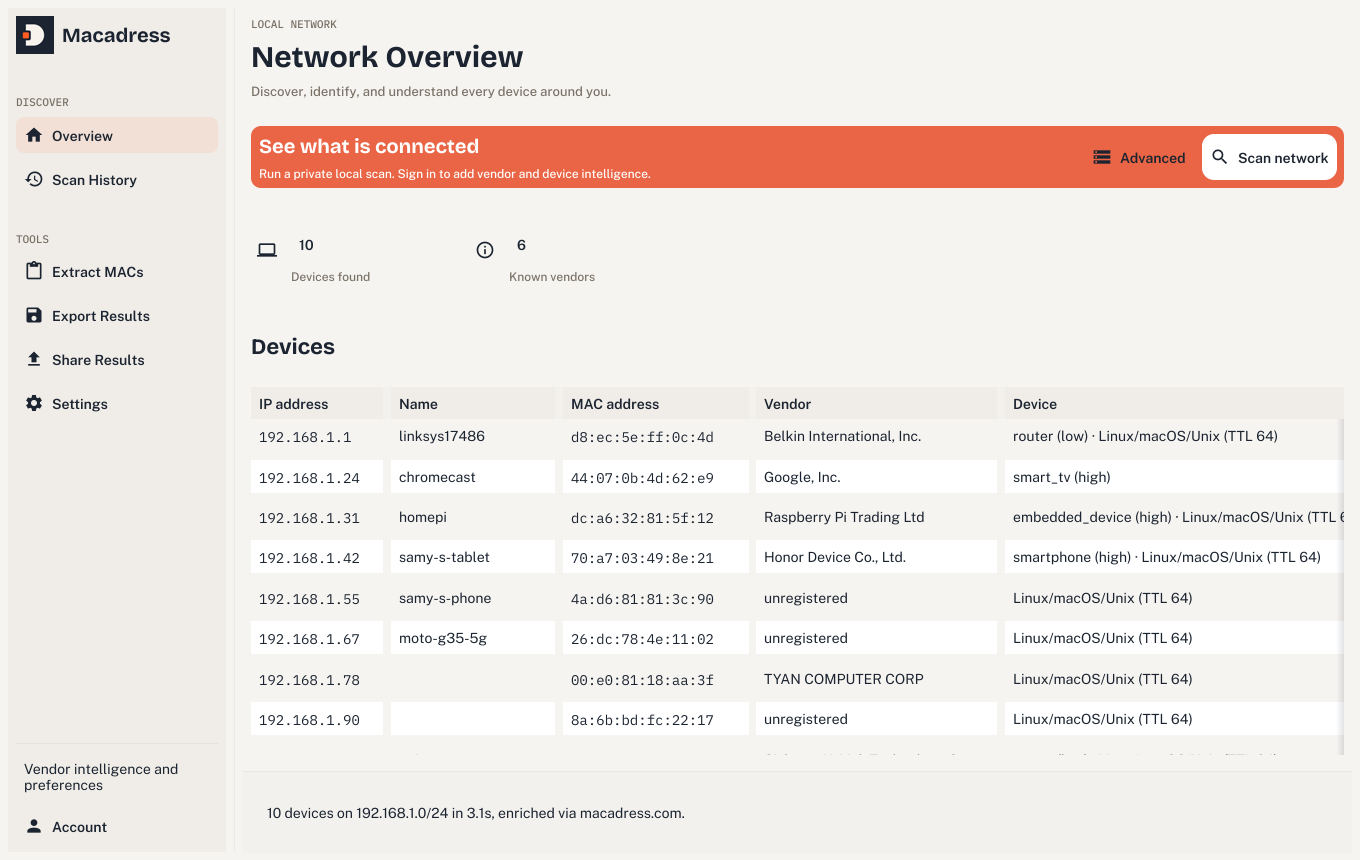
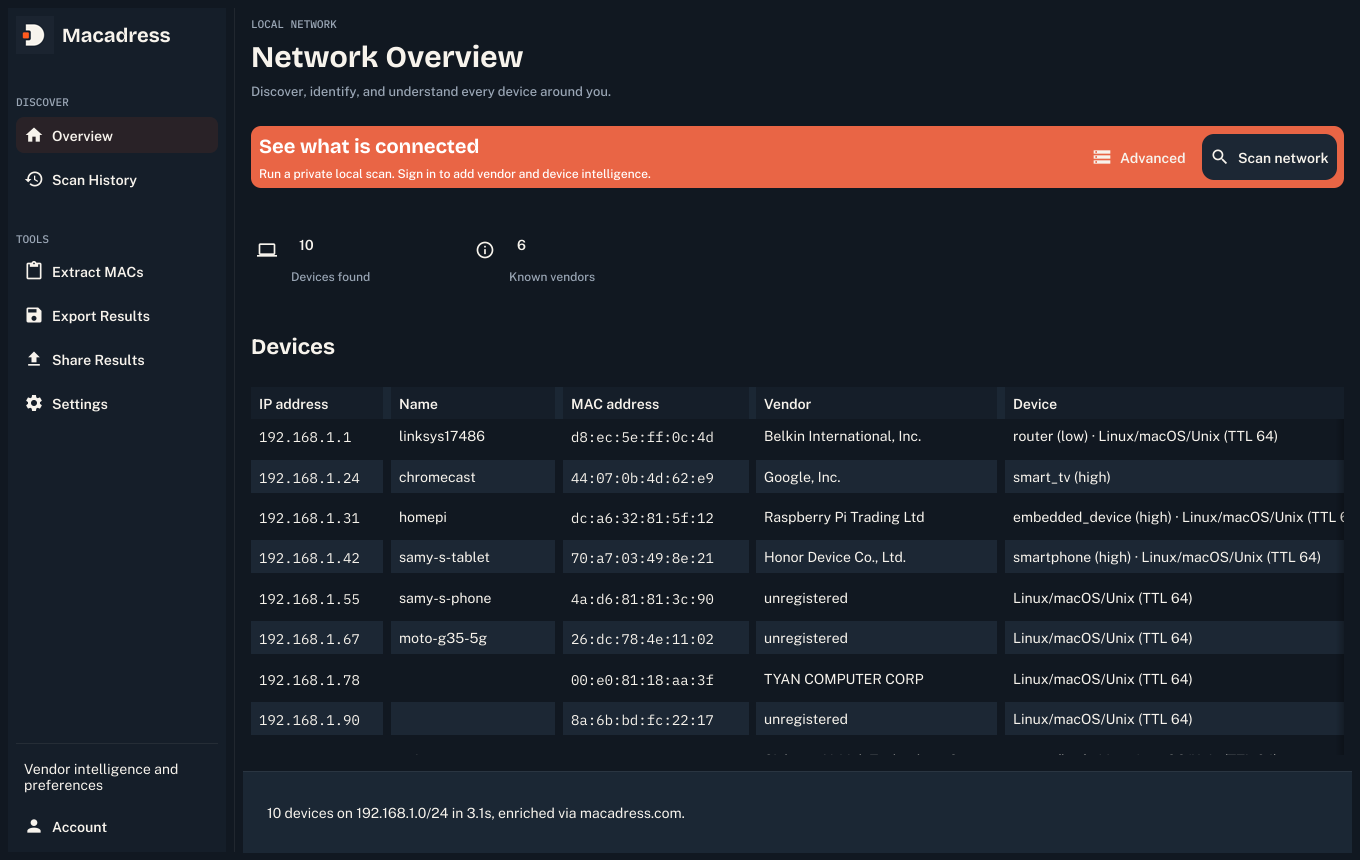
What one scan finds
- Every device on your local network, discovered by IP, MAC address, and hostname
- Vendor and manufacturer, from the same live-synced OUI database as the API
- Device type and confidence (router, smart TV, phone, embedded device, and more)
- Randomized-MAC and virtualized-host detection
- mDNS/SSDP/NetBIOS hints: the actual product name, when a device advertises one
Runs on your machine, not ours
- Discovery (the ping sweep, ARP, mDNS/SSDP, NetBIOS) never leaves your computer
- No account needed to scan, extract MAC addresses from pasted text, or export results
- Sign in only if you want vendor/device intelligence added to what's already found
- A deeper "advanced scan" pass asks for administrator access explicitly, explains why first, and only for that one pass
See it in action
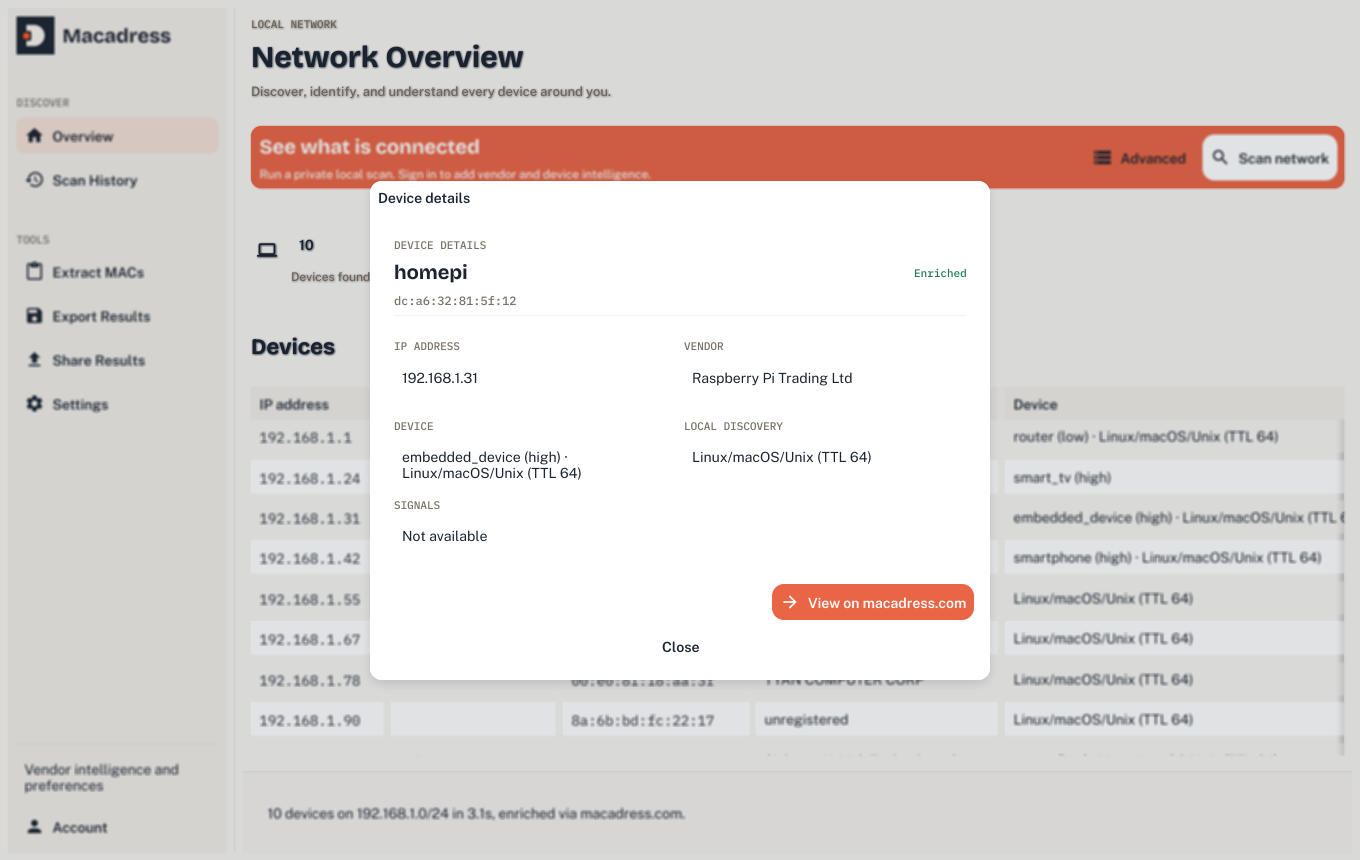
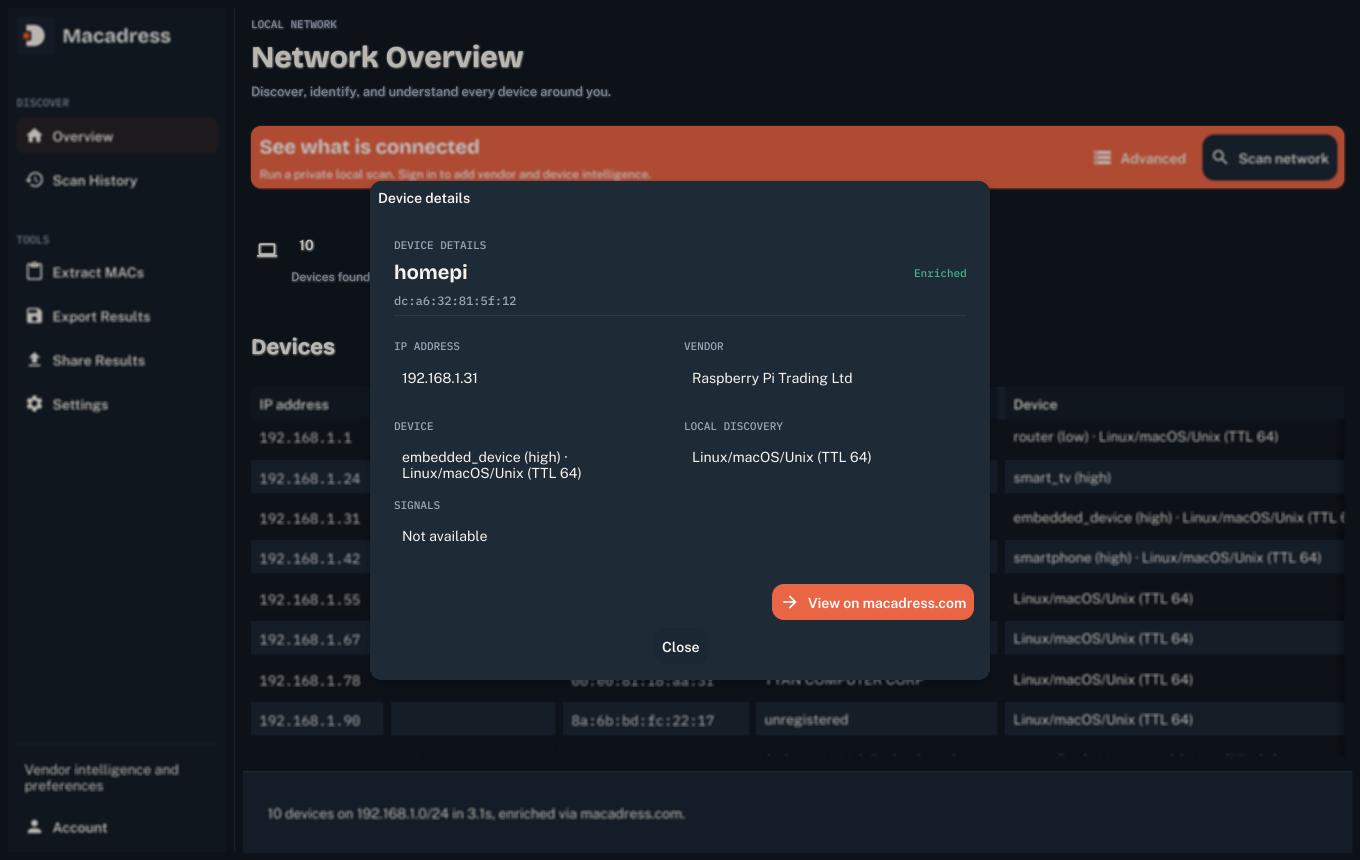
Vendor and device intelligence, one click away
Double-click any device for the full picture: identity, vendor, device type, and a direct link to look it up on macadress.com.
Get the app
One download, nothing else to install
macOS
Download v1.1.0
A signed, native macOS app. No installer, no dependencies, unzip and run.
Download for macOS →
Or via Homebrew: brew tap sapisos/macadress && brew install --cask macadress-scanner
Homebrew install guide →
Linux
Get v1.1.0
Install from the Snap Store for automatic updates, or grab a direct package. Builds for x86-64 and ARM64 (Raspberry Pi 4/5 and similar).


Windows
Coming soon
The scanning code already runs on Windows; this release just hasn't packaged a build for it yet.
Not yet availableFAQ
Common questions about the app
Does this send my network data anywhere?
Discovery, the ping sweep, ARP, mDNS/SSDP, NetBIOS, everything that actually finds devices, runs entirely on your machine and never leaves it. The only network call is optional: sign in to look up a found MAC's vendor, device type, or virtualization status against macadress.com's database.
Do I need to sign in?
No. Scanning, extracting MAC addresses from pasted text, and exporting results all work without an account. Signing in with a free API key adds vendor names, device categories, and virtualization detection to what a scan already found.
Does it need administrator access?
A normal scan doesn't. Advanced scan, for finding devices that silently drop ping but still answer ARP, asks macOS for administrator access for that one deeper pass, and explains why before it does.
Is it free?
Yes, the app itself always is. Vendor/device lookups draw on the same free tier as the API and web tool (1,000 lookups a month, no card required).
What about Windows and Linux?
Linux is available now for both x86-64 and ARM64 (Raspberry Pi 4/5 and similar boards): install from the Snap Store (snap install macadress-scanner, auto-updating), a .deb for Debian/Ubuntu-based distributions, a raw tarball for anything else, or a single-file Flatpak bundle (x86-64). The Snap and Flatpak builds run the normal discovery pass only, no advanced raw-ARP scan. Windows support already works in the scanning code (it just shells out to the OS's own ping/arp) but isn't packaged yet.